
Inspired by Git Extensions, gitxtr is a native Git client built for developers who need to see their history clearly and act on it without leaving the app. Built from the ground up with .NET 10 and Photino — no Electron — it pairs a canvas-rendered commit graph with syntax-highlighted diffs, file history and blame, staging and commits, branch management, fetch/pull/push, interactive rebase, and a built-in terminal. A contemporary cross-platform UI, with none of the unnecessary extras of other Git UIs.
Visual commit graph
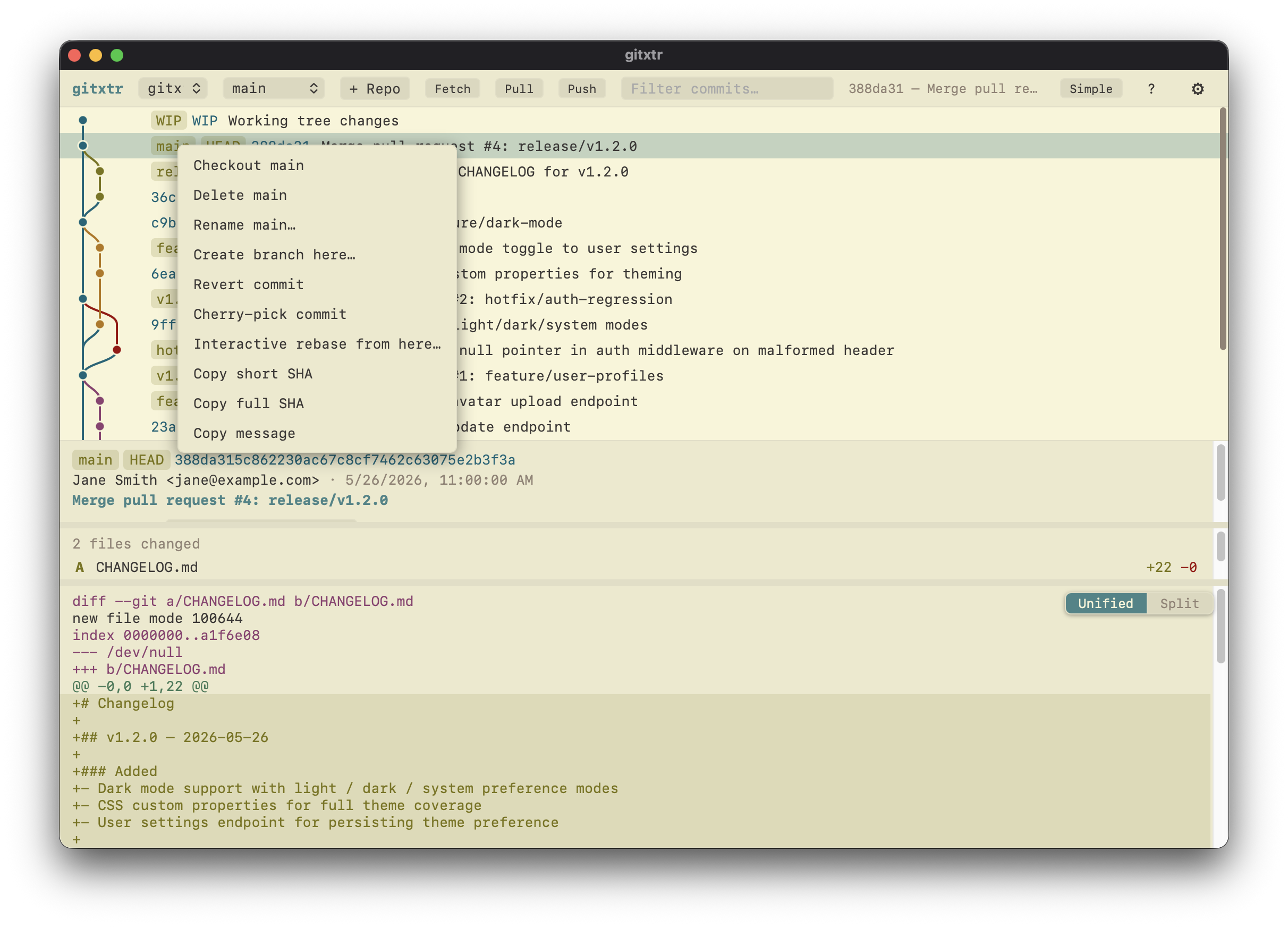
Canvas-rendered branch lanes with merge lines, ref chips, and keyboard navigation through thousands of commits without slowing down.
Diffs, history & blame
Syntax-highlighted diffs in unified and side-by-side modes, with full file history and line-level blame.
Staging, commits & rebase
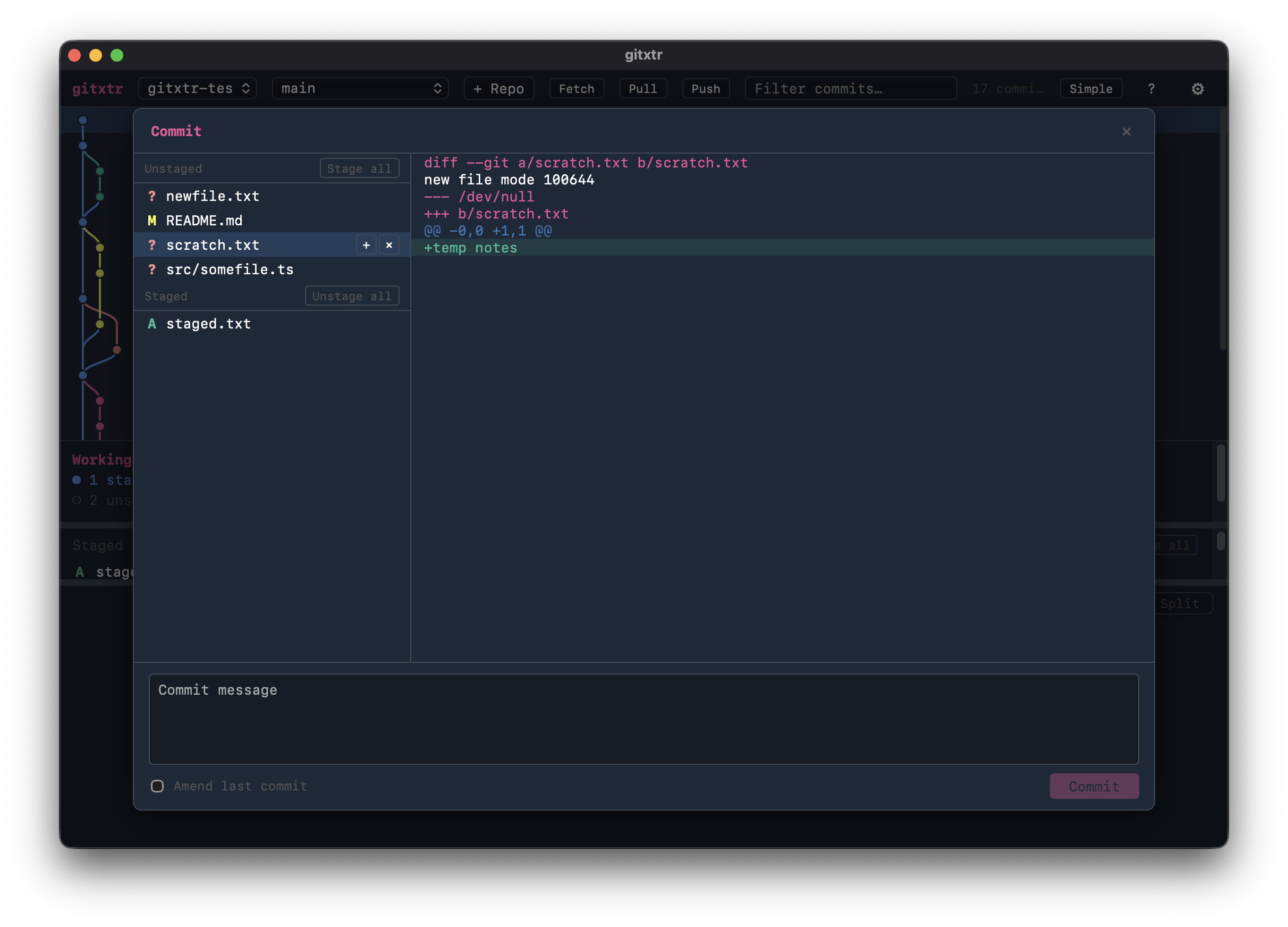
Stage and unstage changes, commit from a focused dialog, then reorder, squash, edit, or drop commits with full interactive rebase.
Branches & remotes
Create, checkout, rename, and delete branches, and fetch, pull, and push to remotes — all from the UI.
Integrated terminal
A VS Code-style terminal built in and pinned to the current repo — toggle it with a hotkey and run any command without leaving the window.
Cross-platform & themeable
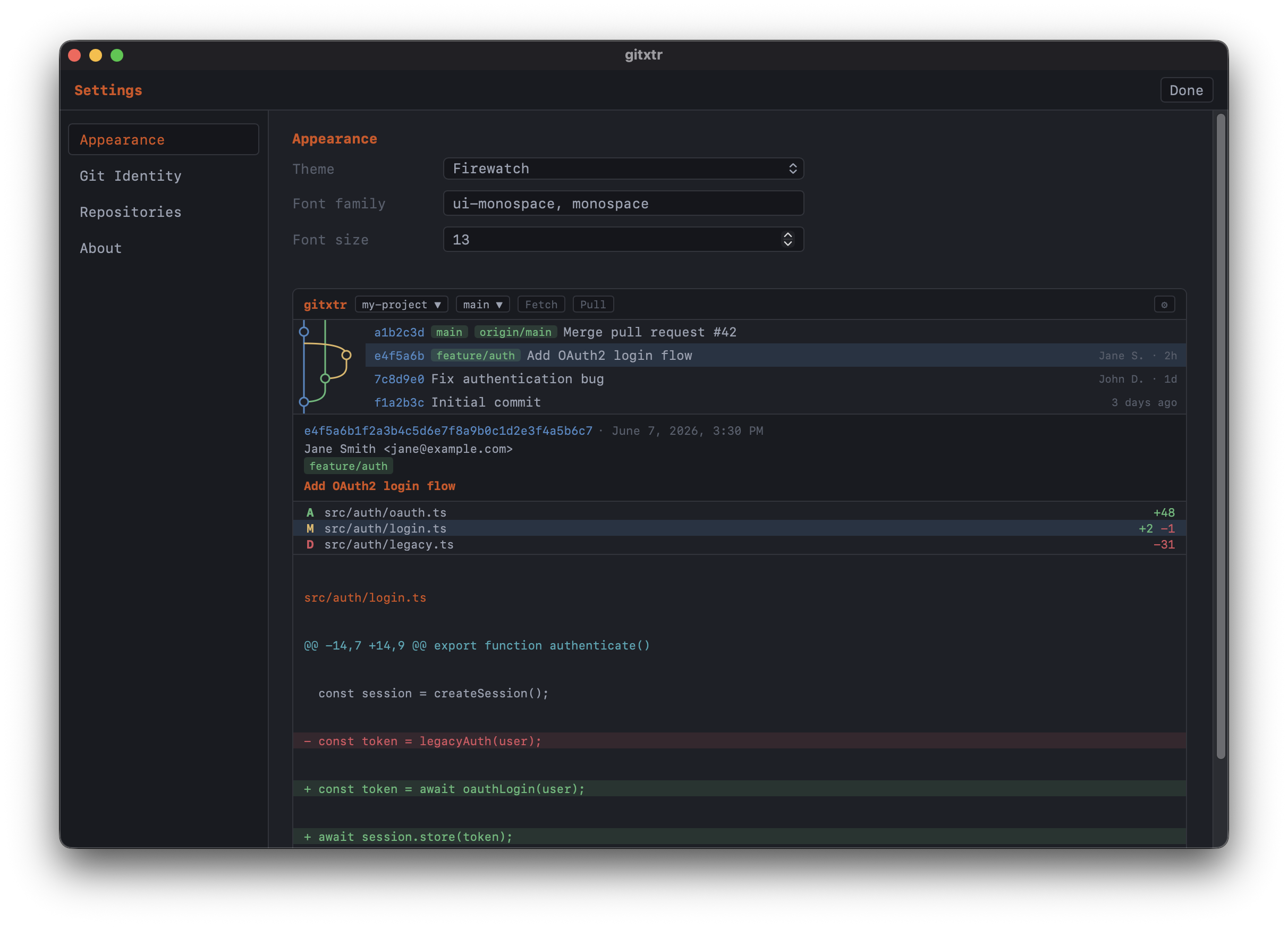
Native on macOS, Windows, and Linux via .NET and WebKit — no Electron, no runtime — with 527 iTerm2 color themes live-previewed in settings.
Installation
- macOS: open
.pkgand follow prompts, or unzip portable - Windows: run
Setup.exe, or unzip portable - Linux:
chmod +x gitxtr.AppImagethen run it